
How to register a domain in Online Made Easy

This tutorial assumes you've already logged in to Online Made Easy

Now let's learn how to register a domain name

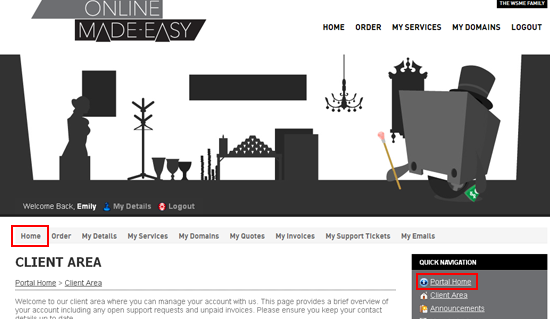
1) Click the Portal Home link
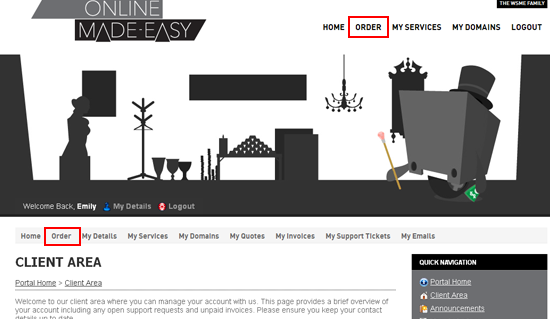
2) Click Order
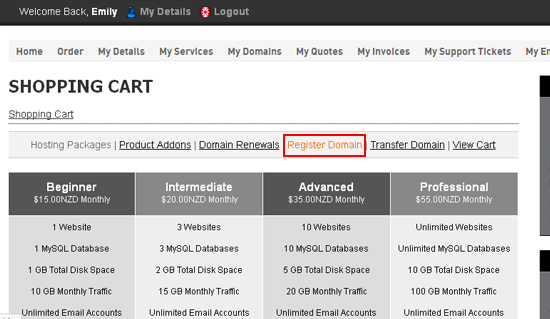
3) Click the Register Domain link
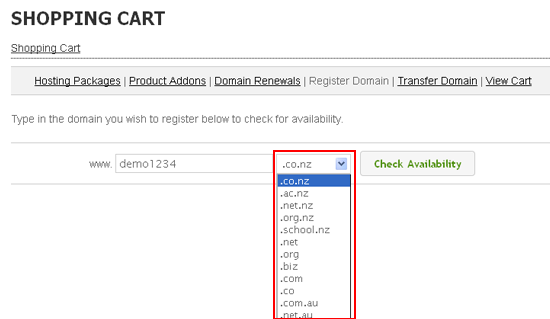
4) Enter a domain name here
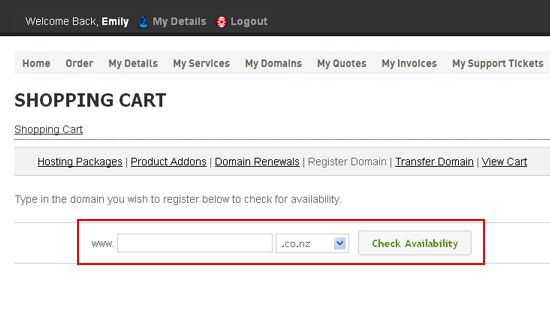
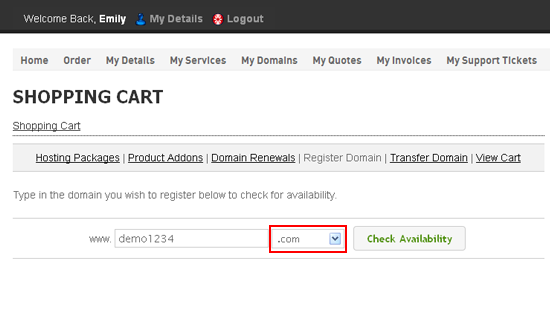
5) Choose the top-level domain
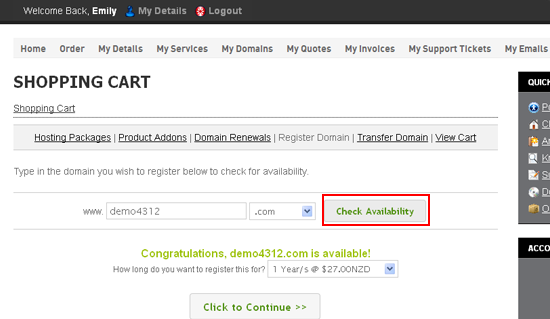
6) Click Check Availability
7) Click Add to Cart
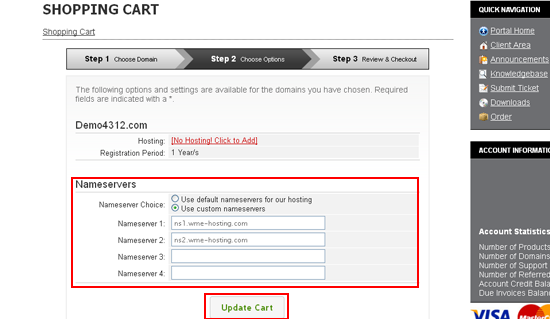
8) Then click Update Cart
9) Click Checkout
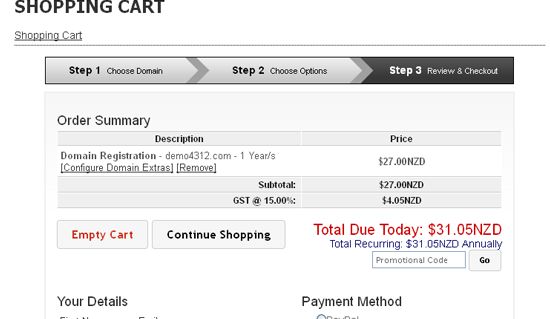
10) Choose your payment method, then click Complete Order
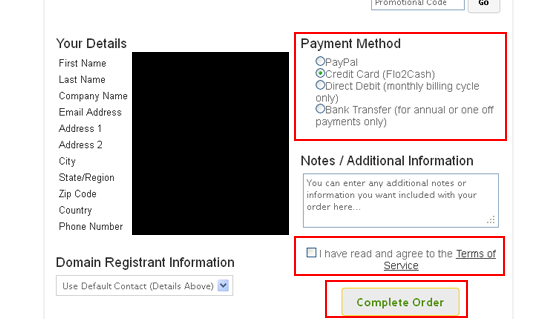
This is the invoice for the domain we just registered
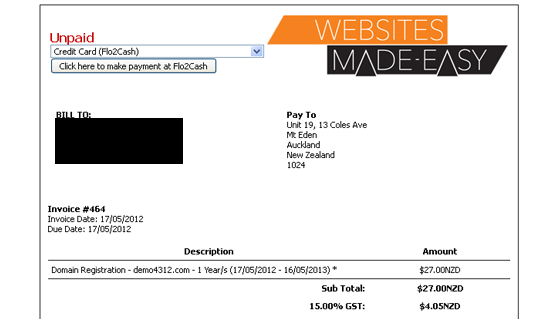
11) Click Back to Client Area

That's it!  We have registered a domain name

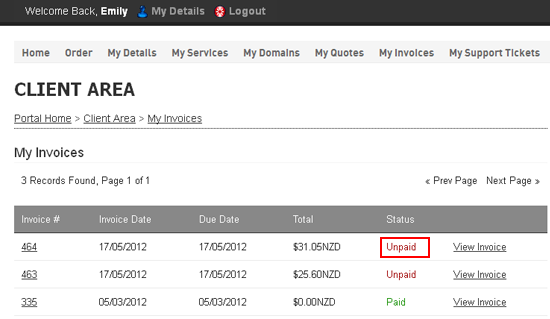
12) Click the My Invoices link
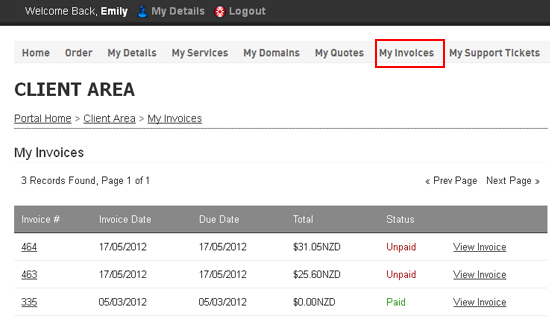
13) We can see the invoice we just created here which is currently Unpaid
This is the end of the tutorial.  You now know how to register a domain name in WHMCS

  • 0 Els usuaris han Trobat Això Útil
Ha estat útil la resposta?

Articles Relacionats

How to login to Online Made Easy?

This is the login page for Online Made Easy.  To access this page please click on the "Login"...

Registering your account on Online Made Easy

To sign up to Online Made Easy please follow the following steps: Click on the Register button...

How to reset your password

To reset your Online Made Easy account password, please follow the following steps: 1) Go to...

How to update your personal details in Online Made Easy

This tutorial assumes you've already logged in to Online Made Easy Now let's learn how to update...

Reviewing your hosting packages in Online Made Easy

This tutorial assumes you've already logged in to Online Made Easy Now let's learn how to review...