
This tutorial assumes you've already logged in to Online Made Easy
Now let's learn how to create and manage support tickets
1) Click the My Support Tickets link
2) Then click Submit Ticket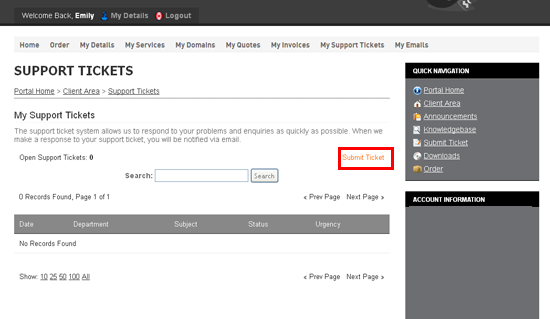
This is the Support Tickets area where we can create tickets and send them to the department of our choice
3) Choose the department you would like to send a ticket to
4) Enter a Subject for the ticket here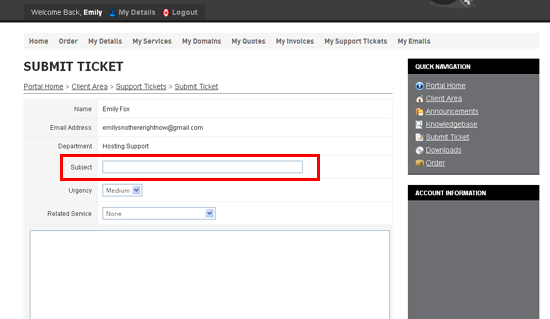
5) Then enter your ticket details here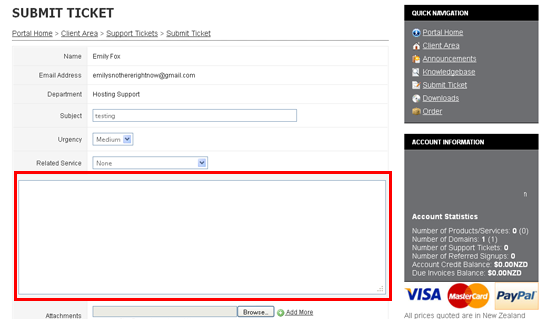
6) Click Submit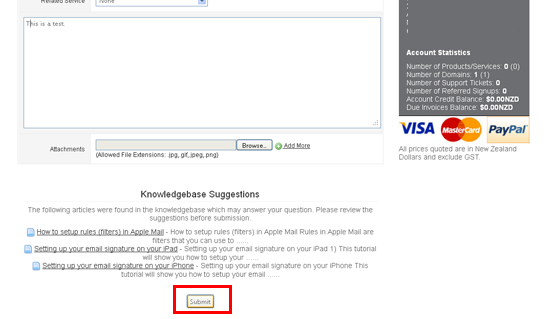
That's it! We've successfully created a support ticket, and a copy of the ticket has also been emailed to us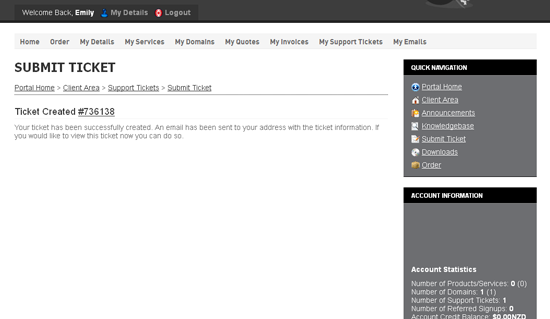
7) Click the My Support Tickets link
We can see the ticket that we just created here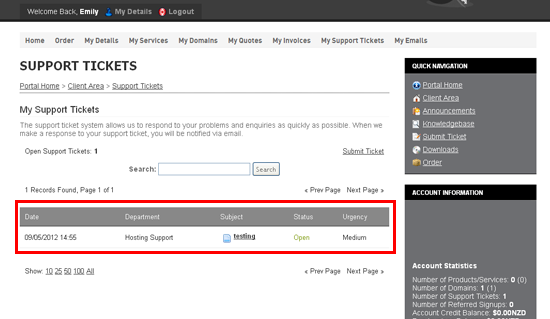
7) Click the Subject of the ticket so we can manage it
8) We can add more details to the ticket by typing them here... or we can mark the ticket as closed by clicking here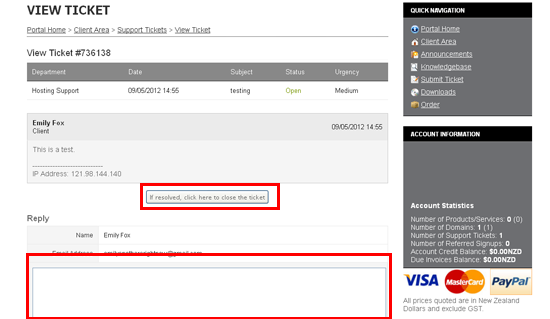
This is the end of the tutorial. You now know how to create and manage support tickets in WHMCS