
How to signup for a new PayPal personal account
This tutorial will show you how to create a personal account in PayPal
1) Click the Sign Up link to get started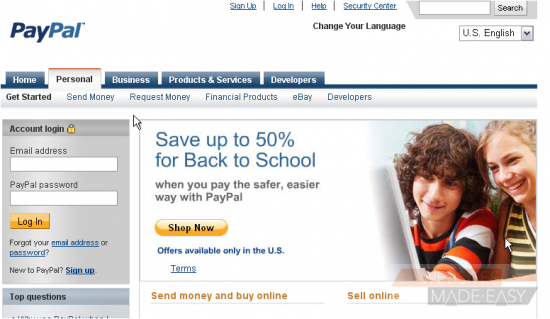
2) Choose your country from the drop-down menu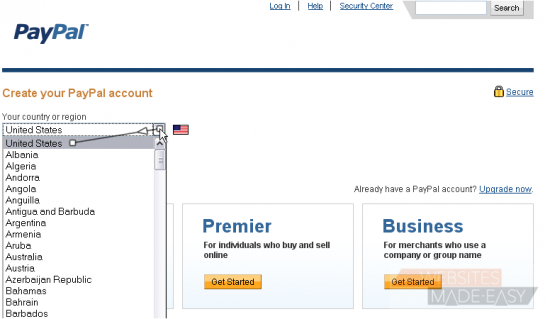
3) Choose your language from the drop-down menu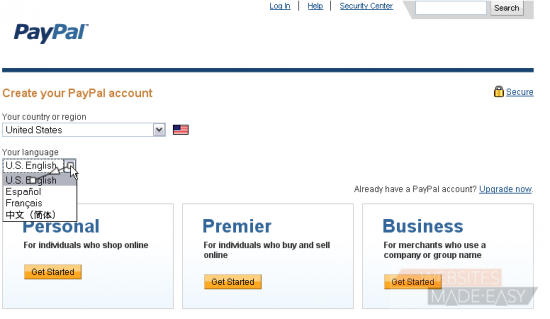
4) Click the Get Started button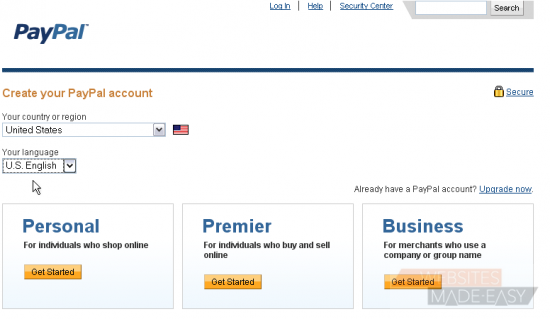
5) Enter your email address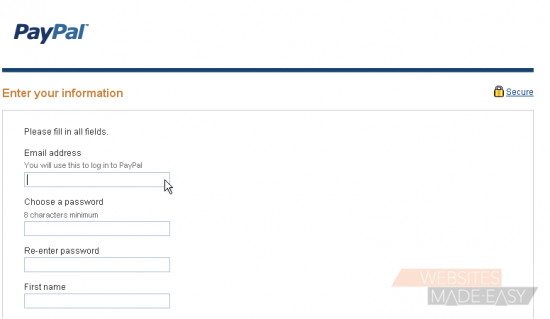
6) Then enter a password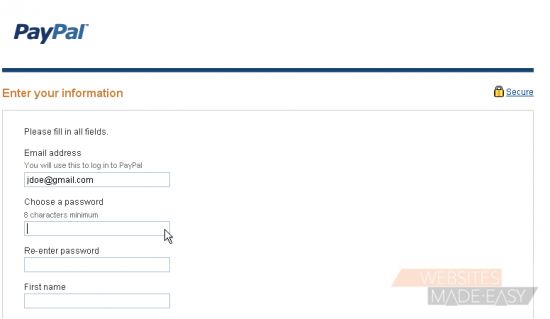
7) Re-type the same password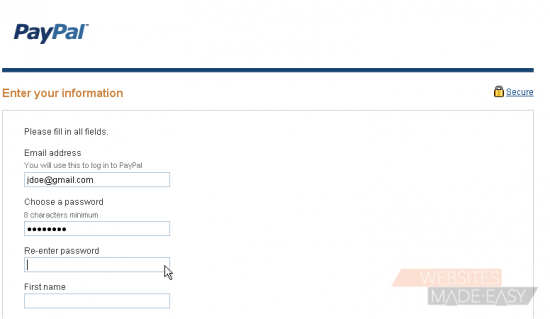
8) Enter your first name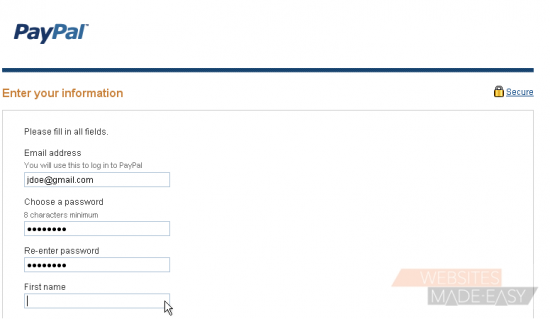
9) Enter your last name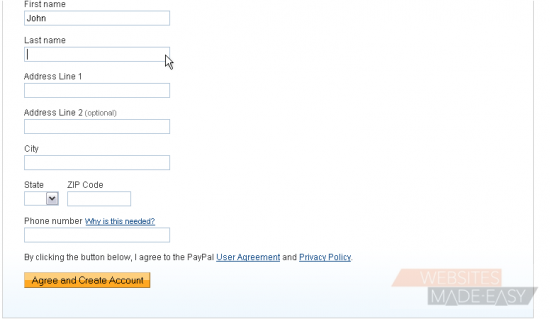
10) Enter your address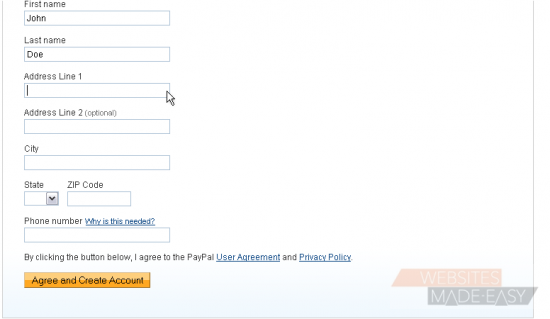
11) Enter your phone number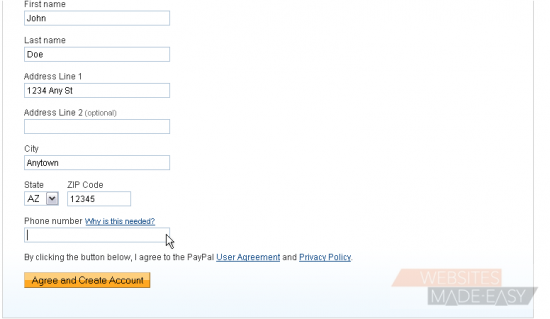
12) Click this button to create your account
You can either add a bank account by clicking here. Or, you can add a credit card by clicking here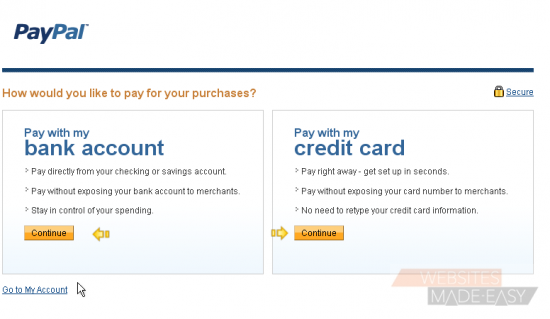
In order to use your account, you must first verify your email address
13) Click here to go to your account
14) Click here to confirm your email address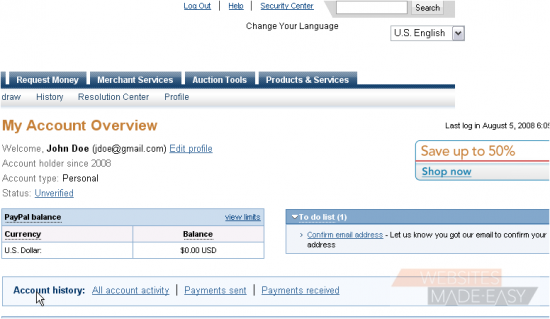
15) This screen gives instructions on how to confirm your email address. You will need to open the email PayPal sent you when you registered, click the orange Activate button in your email, then enter your password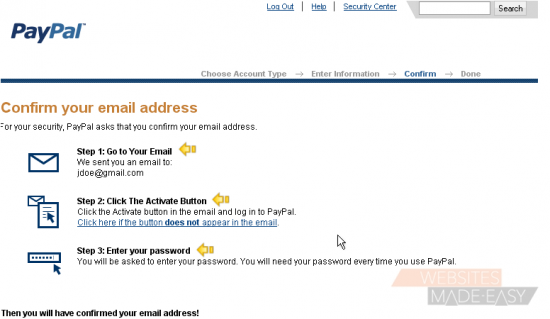
If you did not receive a confirmation, you can click here to request another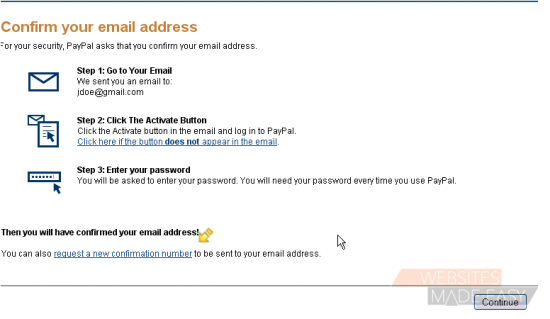
16) Click the continue button once you are done
This is the end of the tutorial. You now know how to create a new PayPal personal account