
This tutorial assumes you've already logged in to Online Made Easy
Now let's learn how to register a domain name
1) Click the Portal Home link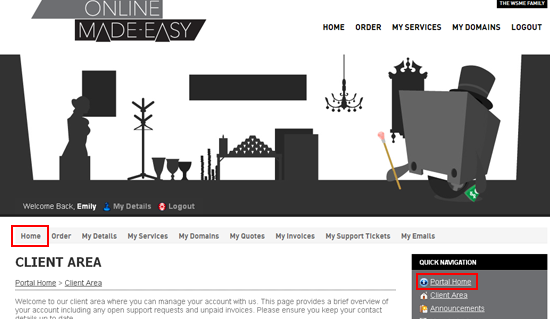
2) Click Order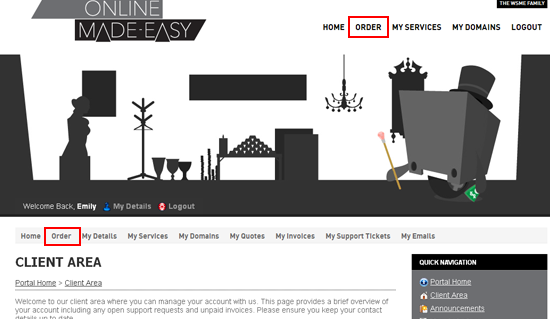
3) Click the Register Domain link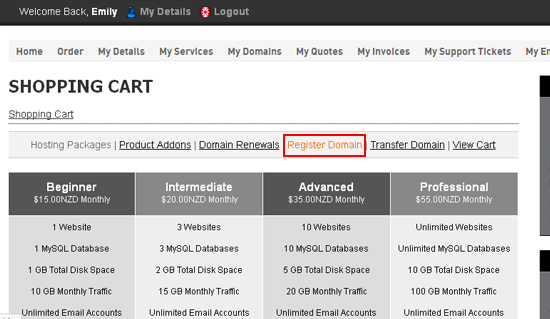
4) Enter a domain name here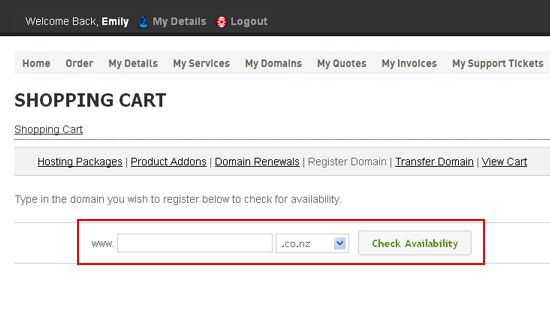
5) Choose the top-level domain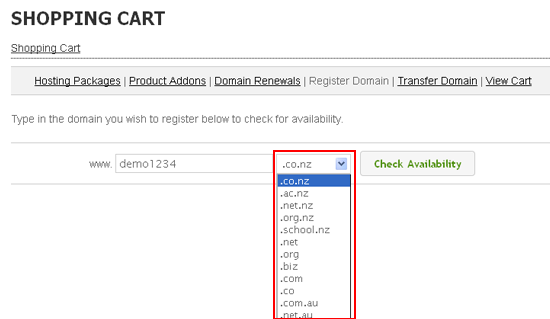
6) Click Check Availability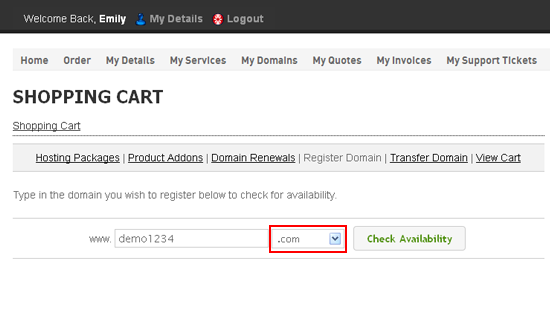
7) Click Add to Cart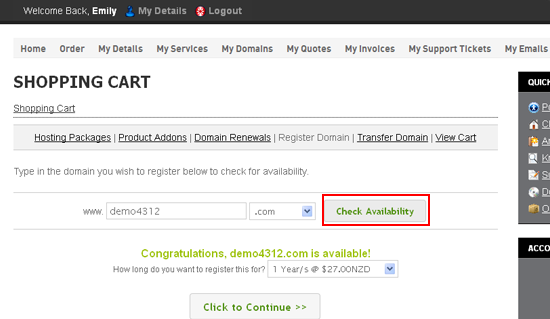
8) Then click Update Cart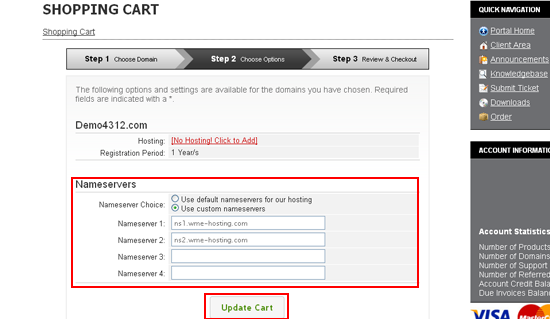
9) Click Checkout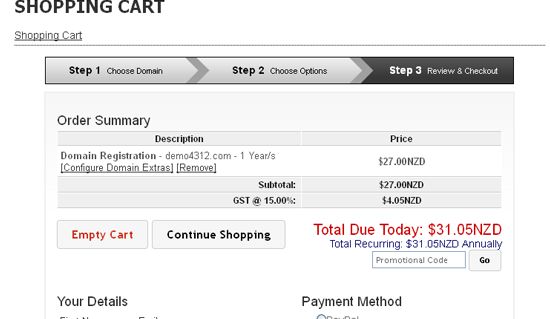
10) Choose your payment method, then click Complete Order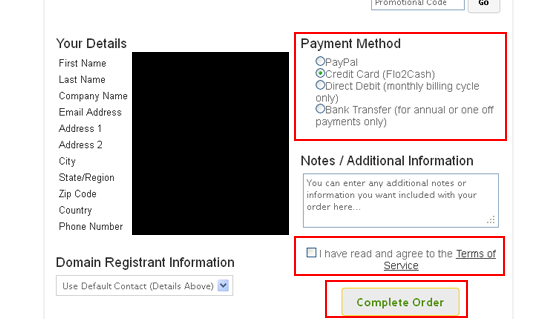
This is the invoice for the domain we just registered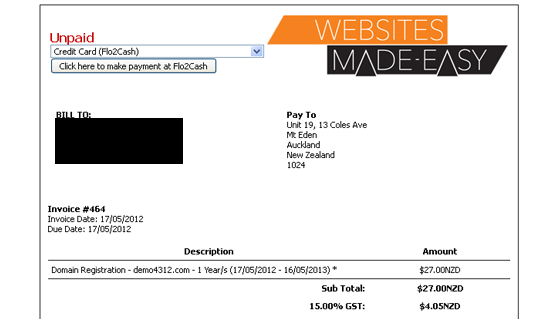
11) Click Back to Client Area
That's it! We have registered a domain name
12) Click the My Invoices link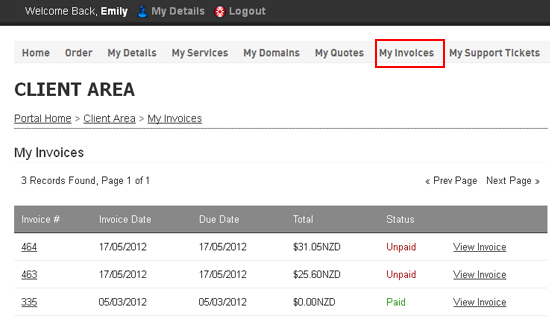
13) We can see the invoice we just created here which is currently Unpaid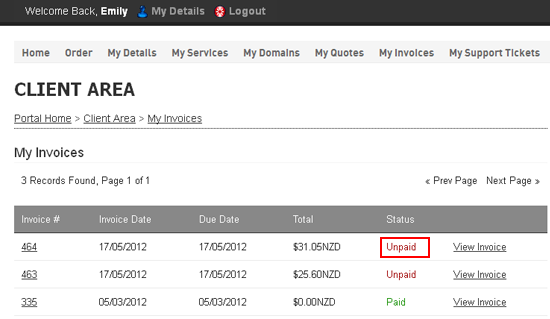
This is the end of the tutorial. You now know how to register a domain name in WHMCS